


OCB QR Visit
OCB QR Visit

Branded QR codes for your business — in seconds

Digital business card, WiFi, menu, events and more — with your logo and your colors. Create, download, manage.

Ready in 3 steps

1

Choose type

URL, business card, WiFi, email, location… 9 QR types.

2

Enter details

Fill the form — your QR code appears instantly in live preview.

3

Customize & download

Customize with OCB colors and logo, download as PNG/JPG/SVG.

OCB QR everywhere

Unlimited use cases for your business.

Digital business card

Digital business card

Share your contact details with a single scan — saved straight to the phone.

Event & office

Event & office

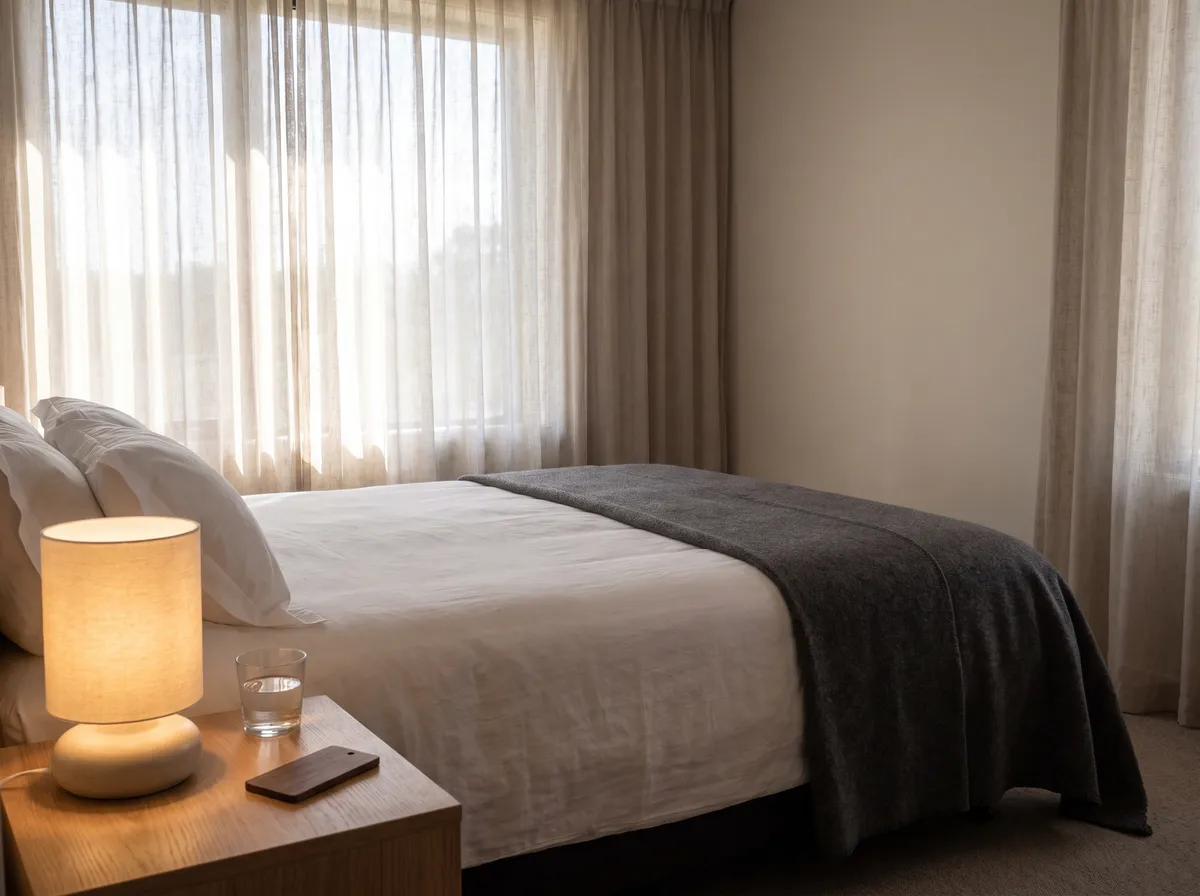
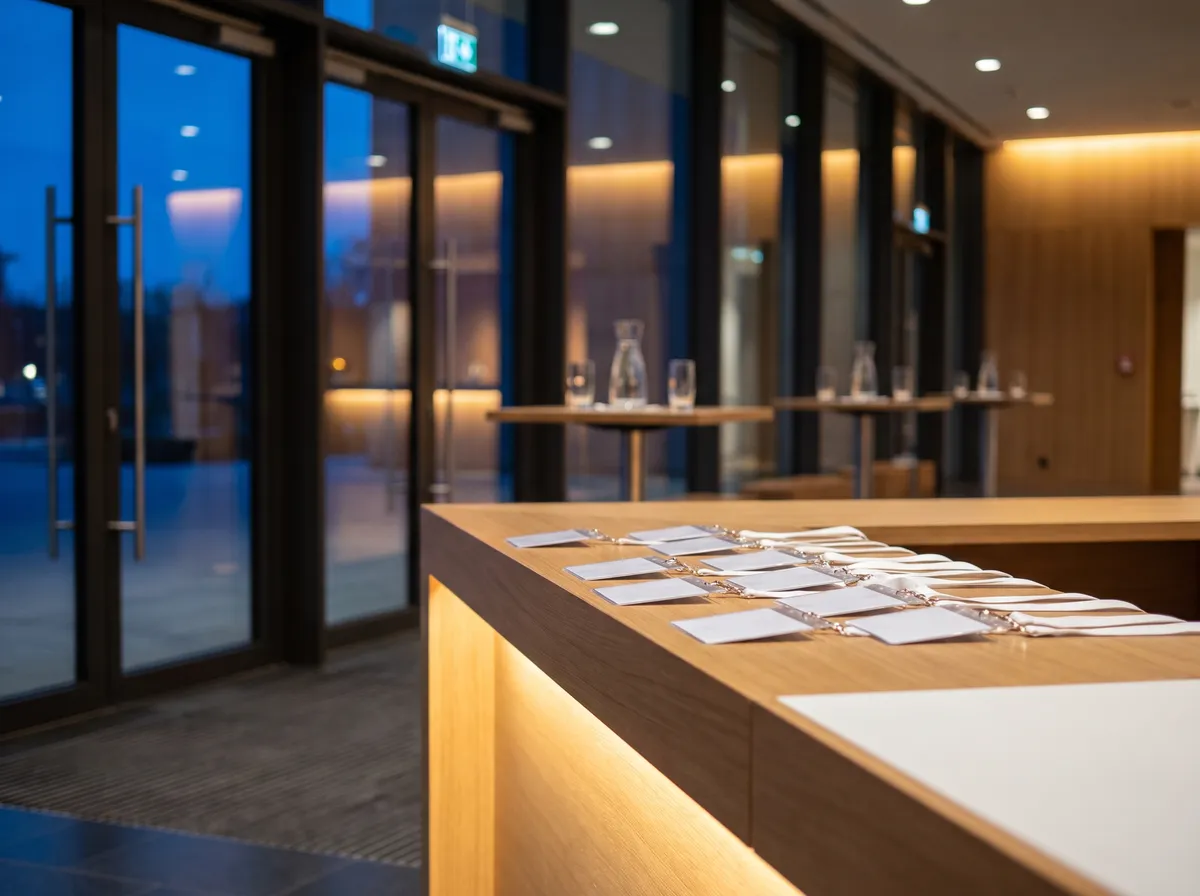
Share WiFi access, location and event invitations with ease.

Menu & marketing

Menu & marketing

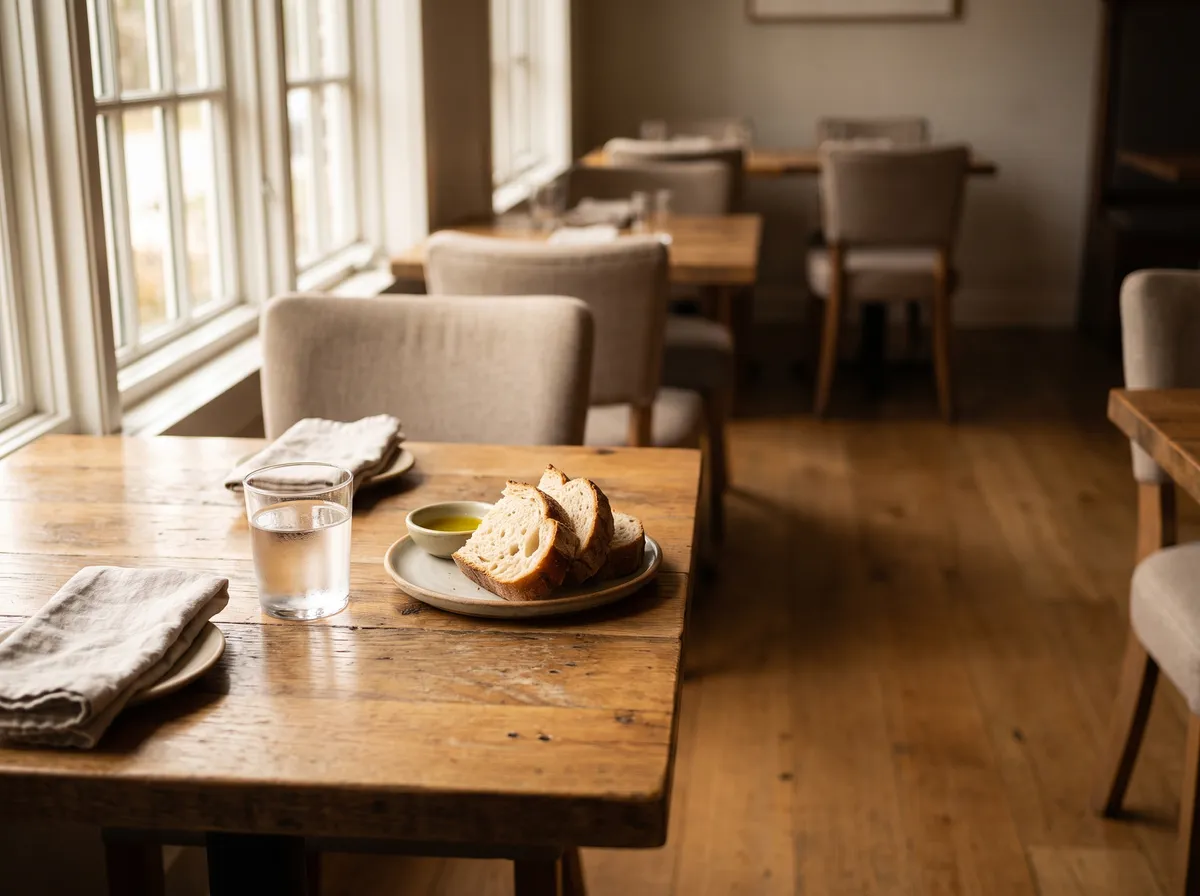
Bring digital menus, campaigns and your website to posters and packaging.

Why OCB QR Visit?

Branded design

Your logo, your colors — bespoke, not generic.

9 QR types

URL, vCard, WiFi, email, SMS, location, event and more.

Instant download

High-quality PNG, JPG and vector SVG.

Manage in dashboard

Keep all the QR codes you create in your account.

Frequently asked questions

Yes, creating and downloading static QR codes is completely free.

Yes, you can embed the OCB logo or your own in the center of the QR code.

PNG, JPG and print-ready vector SVG.

When you're signed in, your QR codes are stored in your account and shown in the dashboard.

Bring your brand to the QR code

Create your first branded QR code in seconds.